Instagram feed collage
Use a tall 3:4, familiar 4:5, or square canvas for travel highlights, celebrations, outfits, food, products, and everyday updates.
Free social media collage maker
Combine up to nine photos in clean layouts sized for Instagram posts, Stories, Reels, Pinterest, Facebook, LinkedIn, YouTube, and more.
Private browser studio
Your photos stay on this device and disappear when the page closes.
How to make a social media collage
Start with the destination, not a blank canvas. The tool keeps the output dimensions exact while you arrange, crop, label, and export every photo locally.
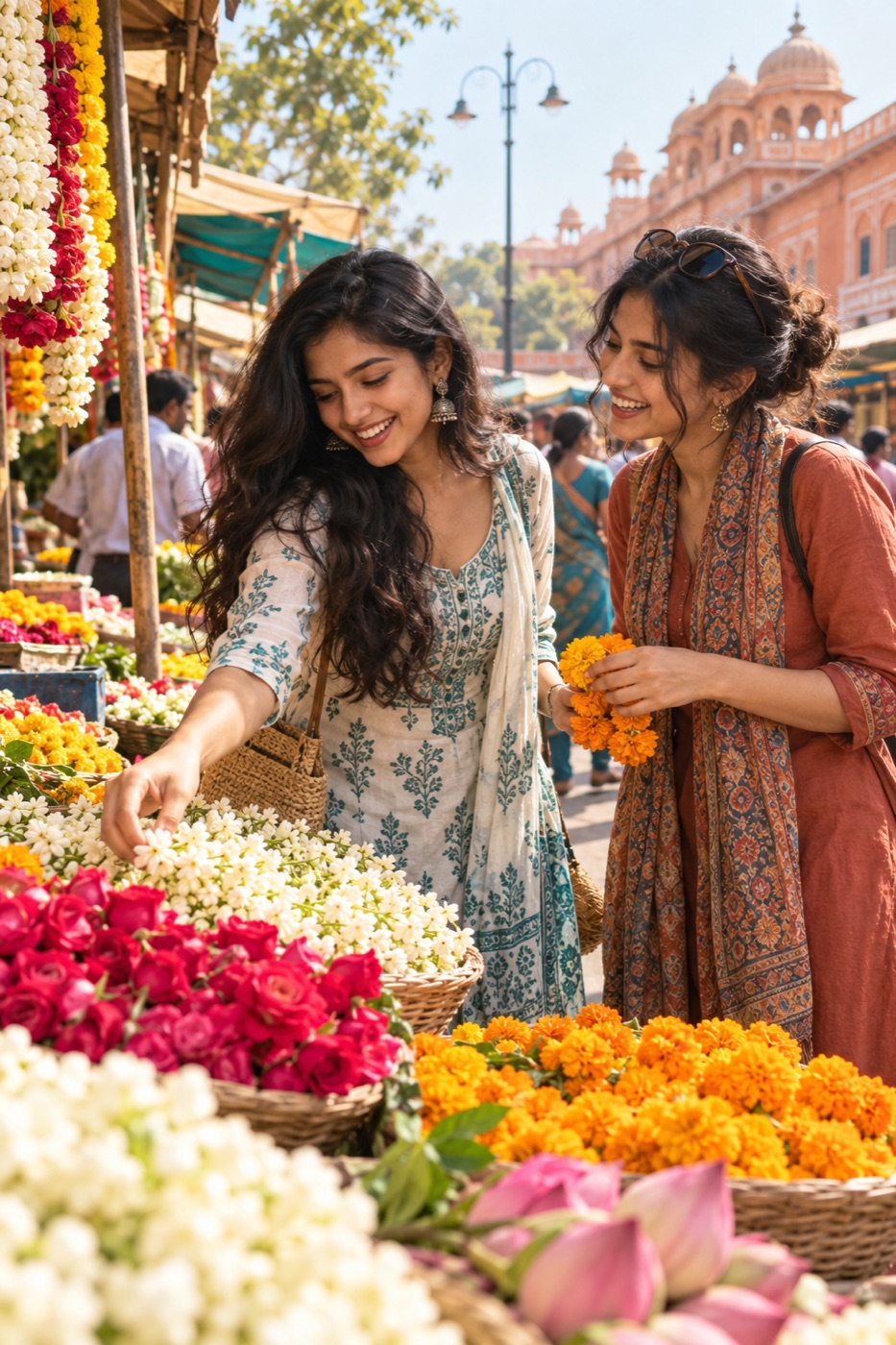
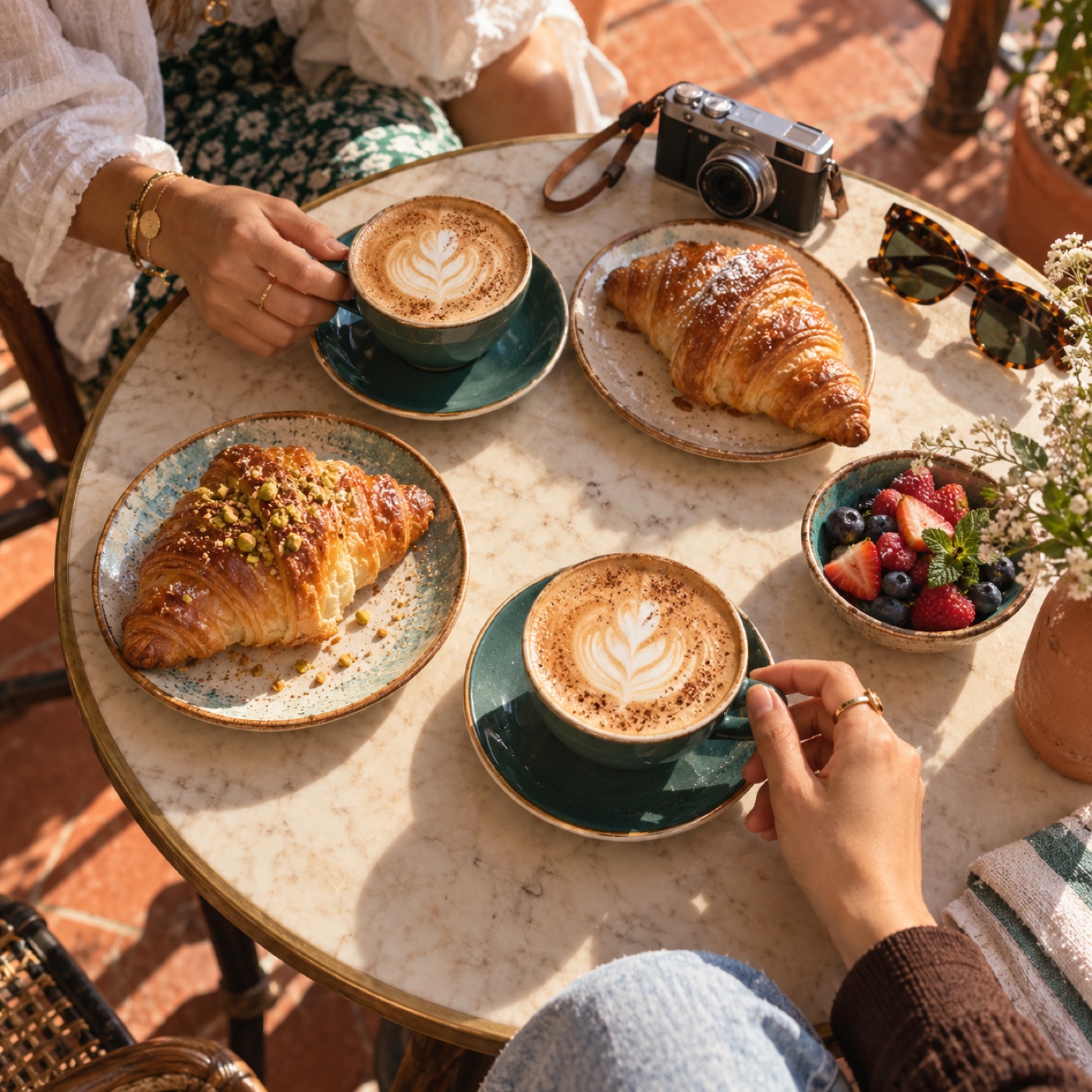
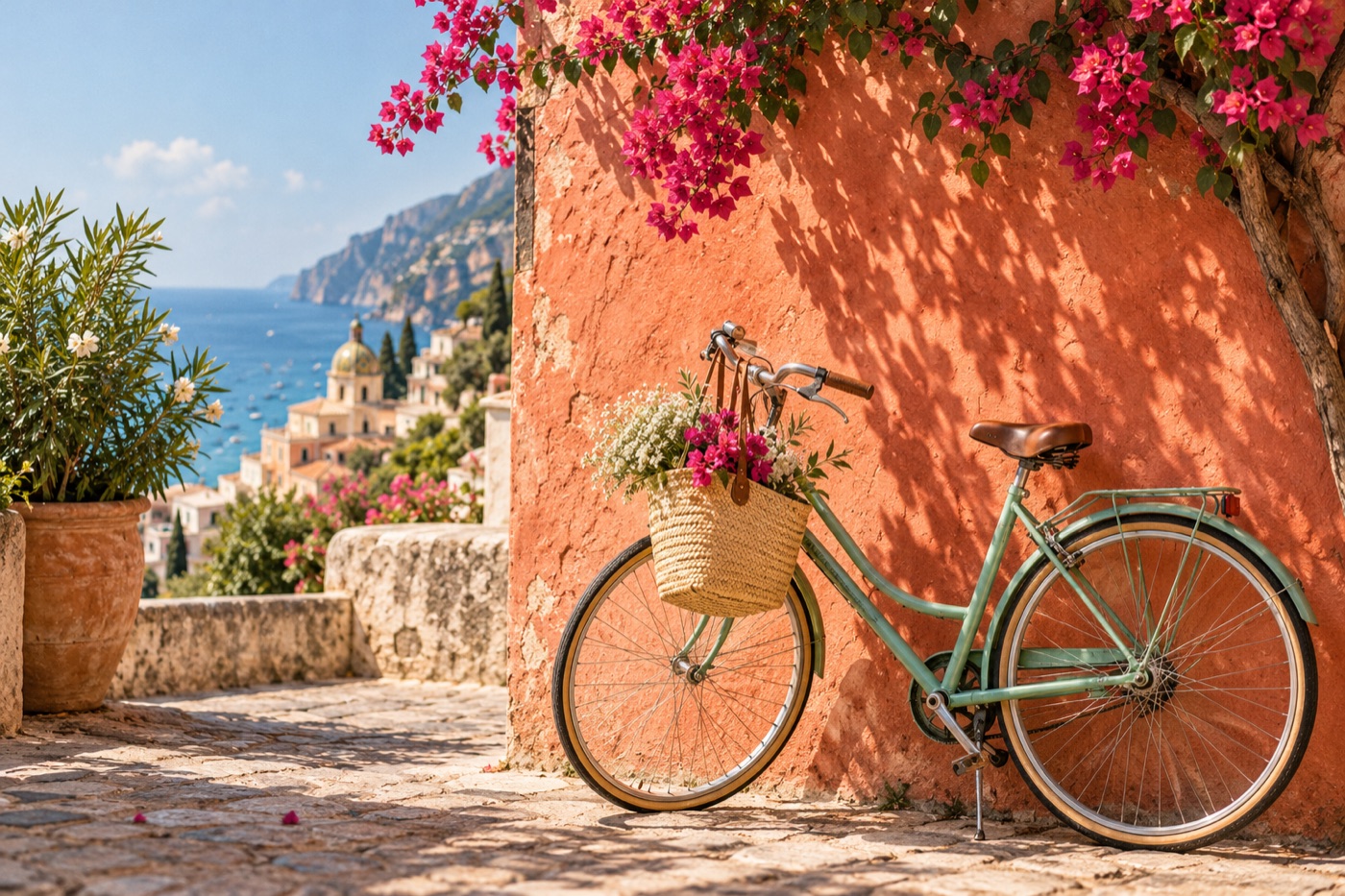
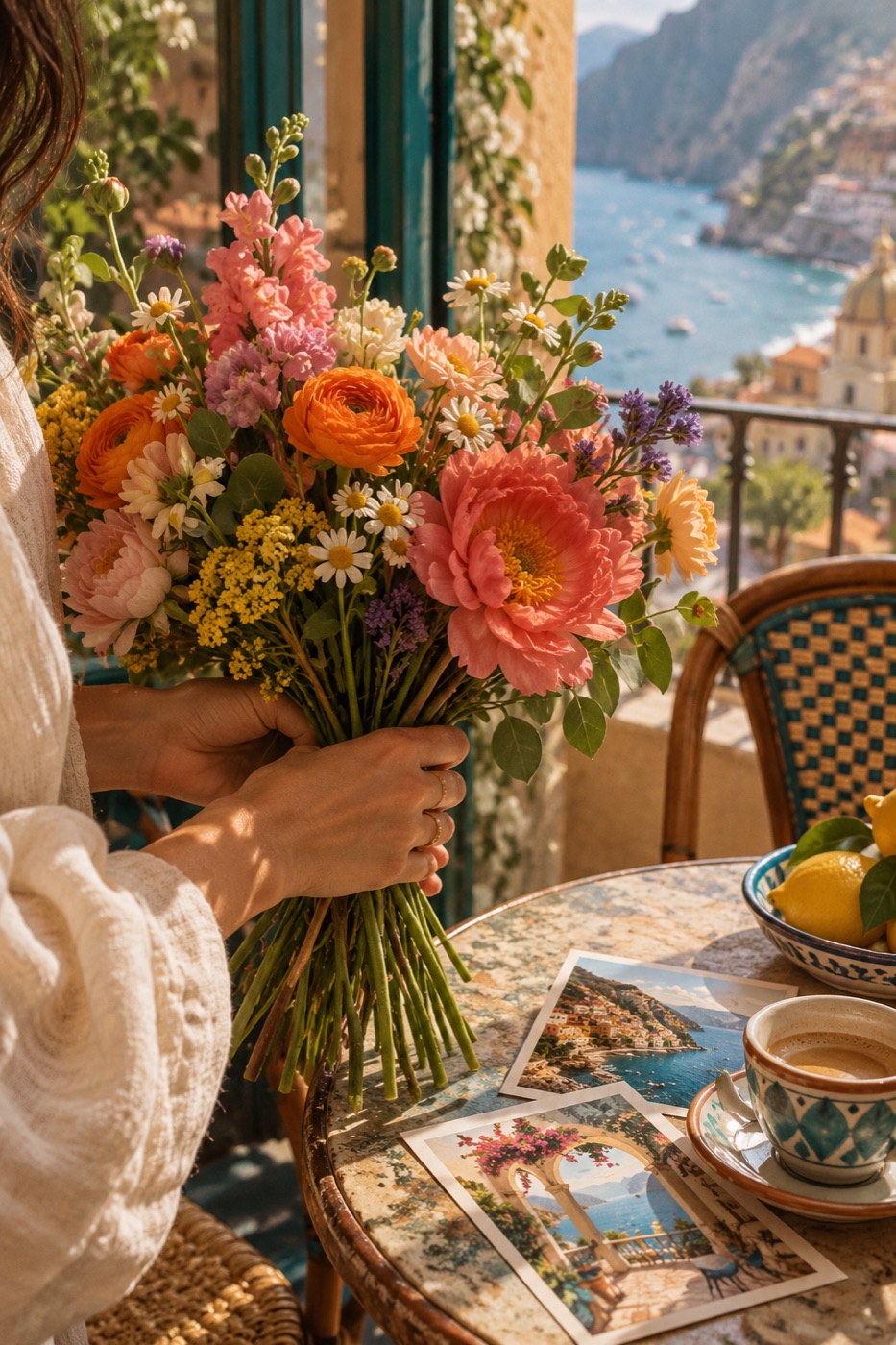 WEEKEND NOTESFOUR FRAMES · ONE STORY
Add up to nine JPG, PNG, or WebP photographs. Reorder them so the strongest image leads the story.
Try a grid, hero layout, mosaic, columns, or filmstrip, then choose the exact social-media format you need.
Adjust individual crops, spacing, corners, colour, and text. Check the safe-area guide before downloading or sharing.
Ideas and occasions
Use structured layouts when several photographs deserve to travel together, without turning the job into a full design project.
Use a tall 3:4, familiar 4:5, or square canvas for travel highlights, celebrations, outfits, food, products, and everyday updates.
Compose a 9:16 collage and turn on safe areas to keep important faces and words clear of interface controls.
Choose a portrait or landscape format for an event recap, team update, launch, project, or professional milestone.
Arrange step-by-step photographs, recipes, interiors, collections, or inspiration in a tall 2:3 layout.
Build a clean 16:9 photo composition with a short, readable headline and custom background colour.
Export a polished image for WhatsApp, group chats, newsletters, community posts, or family updates.
Choose the right social size
Instagram supports a tall 1080 × 1440 (3:4) post as well as the familiar 1080 × 1350 (4:5). Square uses 1080 × 1080.
Use 1080 × 1920 (9:16). Keep the safe-area guide on while editing so faces and text avoid interface controls.
Choose the listed LinkedIn, X, or YouTube preset when the collage needs to sit naturally in a wide placement.
Useful by design
Every control has a practical job: arranging photos, preserving the important crop, fitting the destination, or making the finished image easier to read.
Auto, grid, hero, mosaic, columns, and filmstrip layouts respond to the number of photos and the shape of the selected canvas.
Export Instagram 3:4 or 4:5 portrait, square, Story, Pinterest, LinkedIn, X, and YouTube formats at their listed pixel dimensions.
Photos and wording are rendered on your device. Downloads contain your design only—no upload, account, or watermark.
More private photo tools
Good to know
You can combine between one and nine photos. The layout updates as photos are added, removed, reordered, or shuffled.
Use 1080 × 1440 pixels for a tall 3:4 feed post, 1080 × 1350 for the familiar 4:5 portrait, 1080 × 1080 for a square, or 1080 × 1920 for a Story or Reel cover.
Yes. Select any thumbnail, then change its zoom and horizontal or vertical crop position without affecting the other photographs.
No. Your browser reads and renders every photograph locally on your device. Photos, captions, and filenames are not sent to PhotoFromText.
Yes. PNG and JPG exports are free, high resolution, and watermark-free. You can also use the device share sheet when your browser supports file sharing.