Seamless Instagram carousel
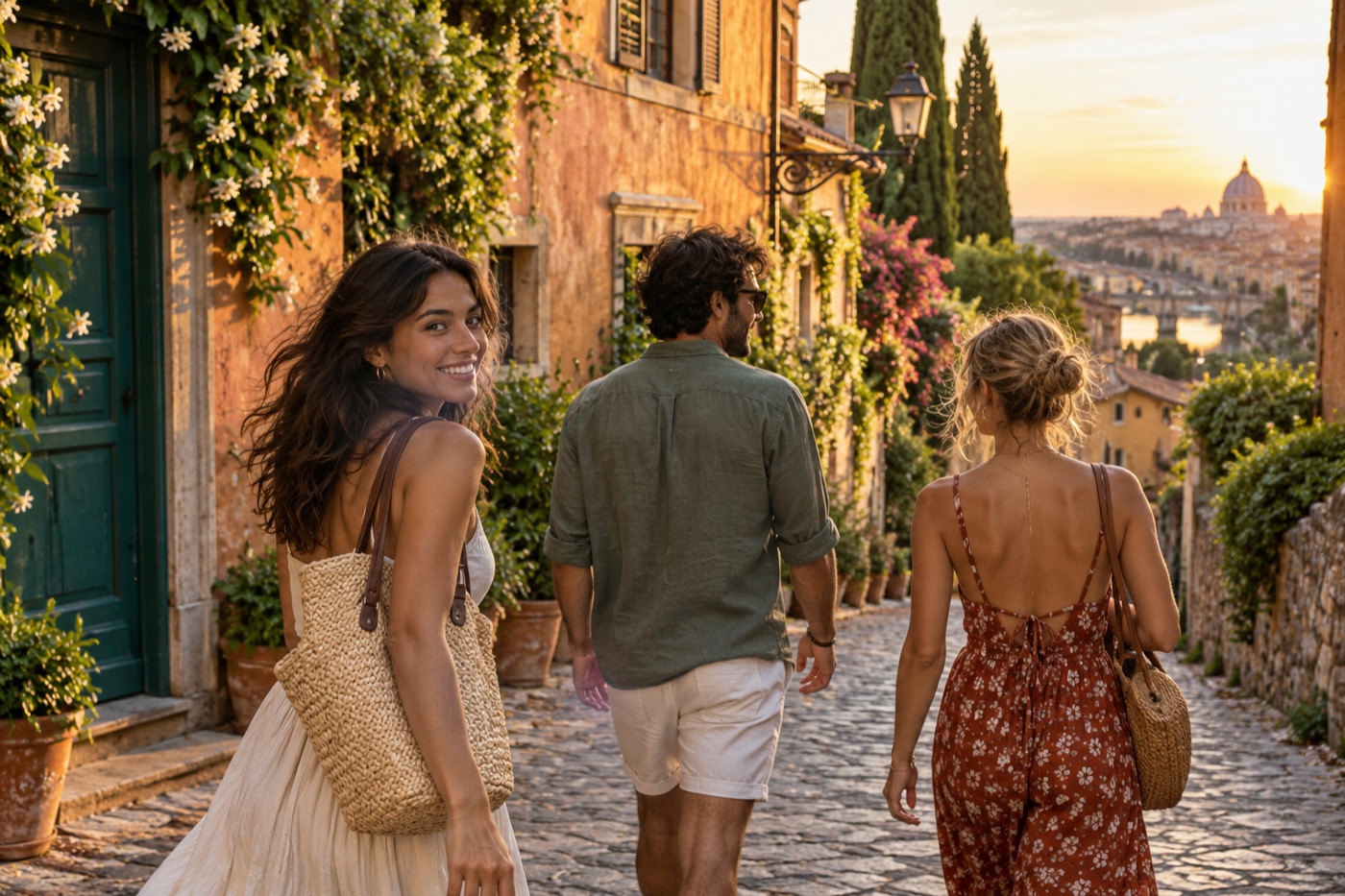
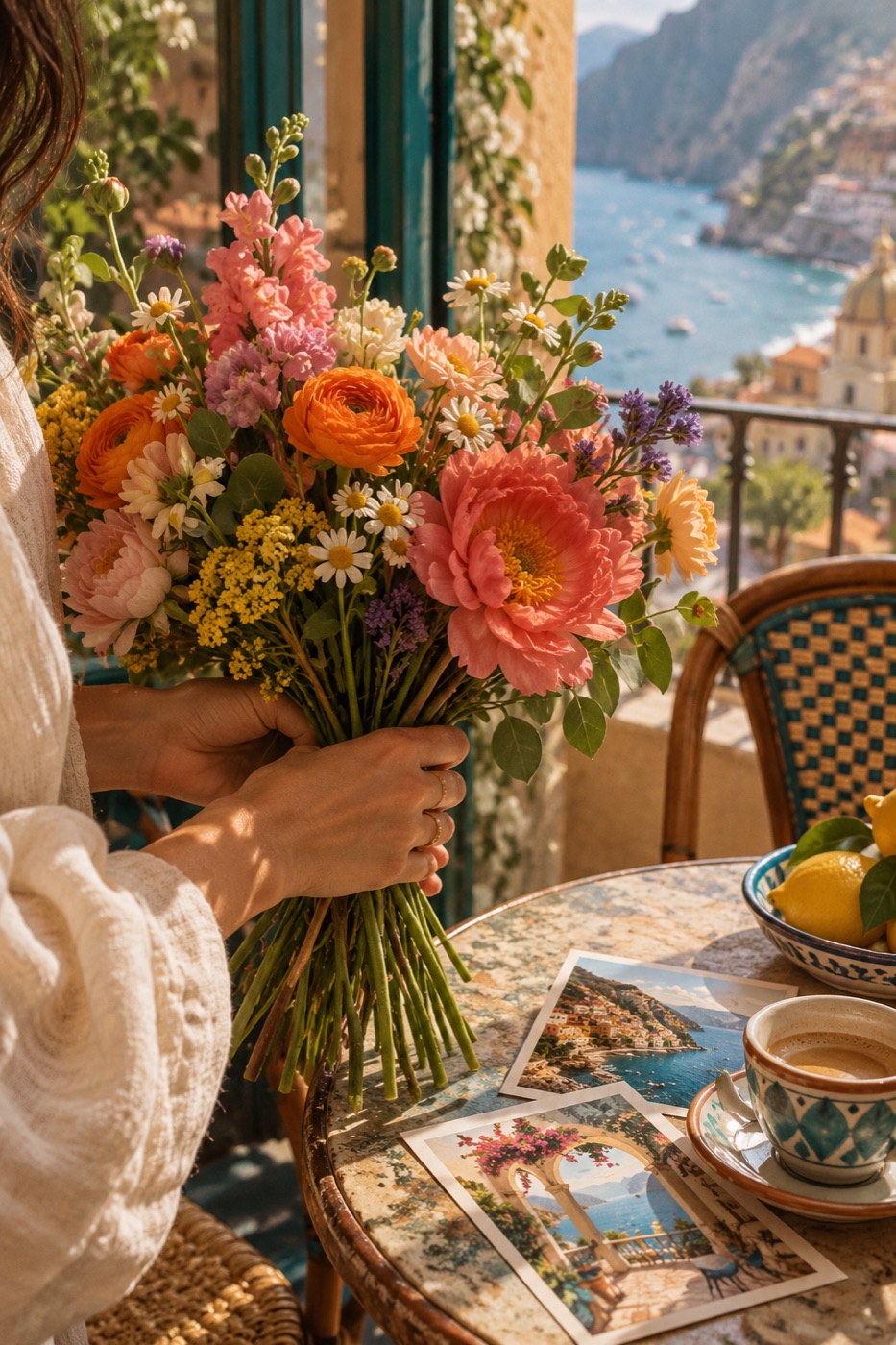
Stretch one landscape photograph and an optional headline across several slides for a continuous swipe effect.
Free Instagram carousel maker
Turn photographs and ideas into a coordinated Instagram carousel. Build photo stories, seamless panoramas, and swipeable guides in exact feed sizes, then download every slide in order.
Private browser studio
Your photos stay on this device and disappear when the page closes.
How to make an Instagram carousel
Choose a carousel style, arrange the story slide by slide, and export numbered images that are ready to select together in Instagram.
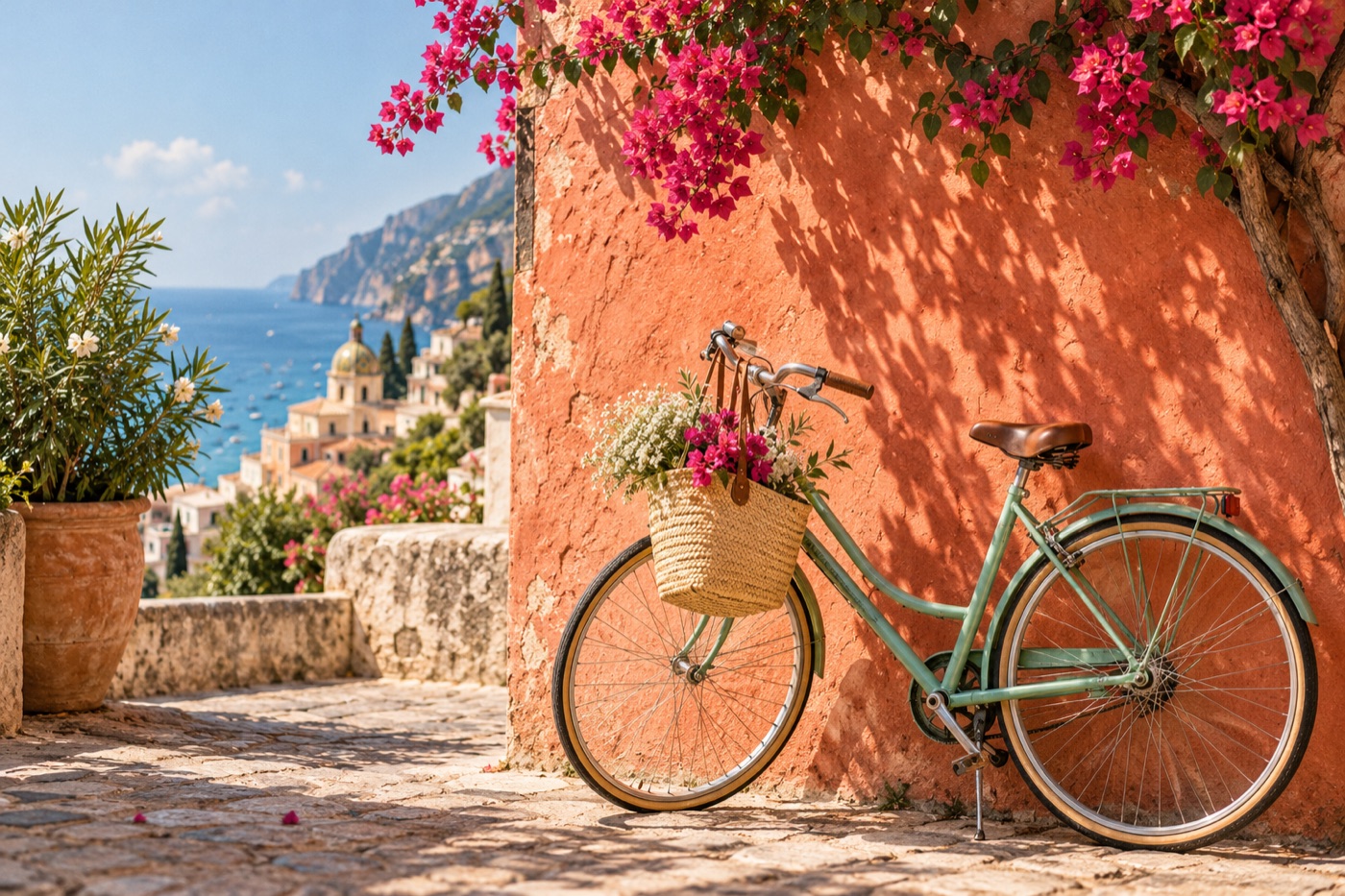 FOLLOW01THE02SUN →03
Start with a photo story, a seamless panorama, or a text-led guide. Add photographs or load a sample deck to explore.
Add, duplicate, remove, and reorder slides. Mix full-bleed photos, editorial frames, text slides, and short captions while keeping one visual style.
Export a ZIP of numbered JPG or PNG slides. In Instagram, select every image in numerical order to publish them as one carousel post.
Ideas and occasions
Use the same focused editor for casual photo dumps, polished brand posts, useful educational decks, launches, portfolios, and continuous panoramic stories.
Stretch one landscape photograph and an optional headline across several slides for a continuous swipe effect.
Give each photograph its own slide, preserve a consistent crop, and add small captions only where they improve the sequence.
Combine a strong cover, concise tip slides, examples, and a final save or share prompt in one readable deck.
Lead with the result, show details and benefits on later slides, then finish with a clear next step.
Sequence process photographs, before-and-after frames, project details, and outcomes without squeezing everything into one collage.
Arrange highlights chronologically and use slide numbers to make a longer recap easy to follow.
Current Instagram carousel formats
Instagram supports longer carousels with as many as 20 photos or videos. This maker focuses on still-image slides and keeps every filename in numerical order.
Choose 1080 × 1350 (4:5), 1080 × 1440 (3:4), or 1080 × 1080 (1:1). Matching dimensions make seamless swipes and text alignment predictable.
Select the exported slides in order, then add the caption, music, location, tags, or collaborators using Instagram’s publishing controls.
Useful by design
The editor focuses on slide order, consistent visual identity, clear text, continuous imagery, and reliable numbered exports—not a general-purpose design suite.
Create a photo sequence, a seamless panorama, or a text-led guide with per-slide layouts and captions.
Duplicate, remove, reorder, and preview slides, then download one ZIP with filenames numbered in posting order.
Photographs, slide text, crops, and generated files stay in your browser. No account or upload is required.
More private photo tools
Good to know
It creates a series of separate images. Each slide is exported as its own numbered JPG or PNG file, and the complete set is also available in one ZIP.
This tool supports up to 20 image slides in one project, matching Instagram’s expanded carousel capacity. Instagram can also mix photos and videos, while this browser tool currently exports still-image slides.
Use 1080 × 1350 pixels for a familiar 4:5 portrait carousel, 1080 × 1440 for the newer native 3:4 photo format, or 1080 × 1080 for a square carousel. Every slide in the exported set uses the same selected size.
Choose Seamless, add one wide photograph, set the number of slides, and drag or zoom the image until the joins look right. The tool renders each section as a separate numbered image.
Yes. Choose Guide, use text-only, photo-and-text, or editorial layouts, and keep headlines short enough to read comfortably on a phone.
Add music and collaborators inside Instagram after uploading the exported slides. Those platform publishing features are not embedded into the downloaded images.
No. Photos, text, crops, filenames, and exports remain on your device and disappear from the editor when the browser tab closes.